How wireframes and visual design are revolutionizing the way developers communicate with AI coding tools - and why the traditional approach is already outdated.
The way we build software is undergoing a fundamental transformation. Since Andrej Karpathy coined the term "vibe coding" in February 2025, developers and non-developers alike have been exploring a new paradigm where natural language prompts guide AI tools to generate functional code. But there's a critical problem with text-based prompting that the industry is only now beginning to solve: humans think visually, not in paragraphs.
Enter visual prompting - the practice of using wireframes, mockups, and design artefacts as the primary input for AI code generation. This approach bridges the gap between what's in your mind and what AI produces, making vibe coding faster, more accurate, and accessible to anyone with an idea.
What Is Vibe Coding?
Vibe coding represents a fundamental shift in how software gets built. Rather than writing code line by line, developers describe what they want in natural language, and AI tools like Claude Code, Cursor, Replit, and Lovable generate the implementation.
As Karpathy described it in his now-viral tweet: "There's a new kind of coding I call 'vibe coding,' where you fully give in to the vibes, embrace exponentials, and forget that the code even exists."
The concept has gained remarkable traction. Y Combinator reported that 25% of startup companies in its Winter 2025 batch had codebases that were 95% AI-generated. Tools like Cursor Composer, GitHub Copilot, and Replit Agent have made it possible for anyone—from seasoned engineers to complete beginners - to turn ideas into working applications.
But here's the catch: the quality of AI-generated code depends entirely on the quality of your prompts. Tell an AI to "make me a website" and you'll get vastly different results than if you provide detailed specifications about architecture, design patterns, and user interface requirements. This is where most vibe coding workflows break down.
The Problem with Text-Only Prompting
Traditional vibe coding relies on text prompts. You describe what you want in paragraphs, hope the AI interprets your vision correctly, then iterate through multiple cycles of feedback and refinement. This approach has several fundamental limitations.
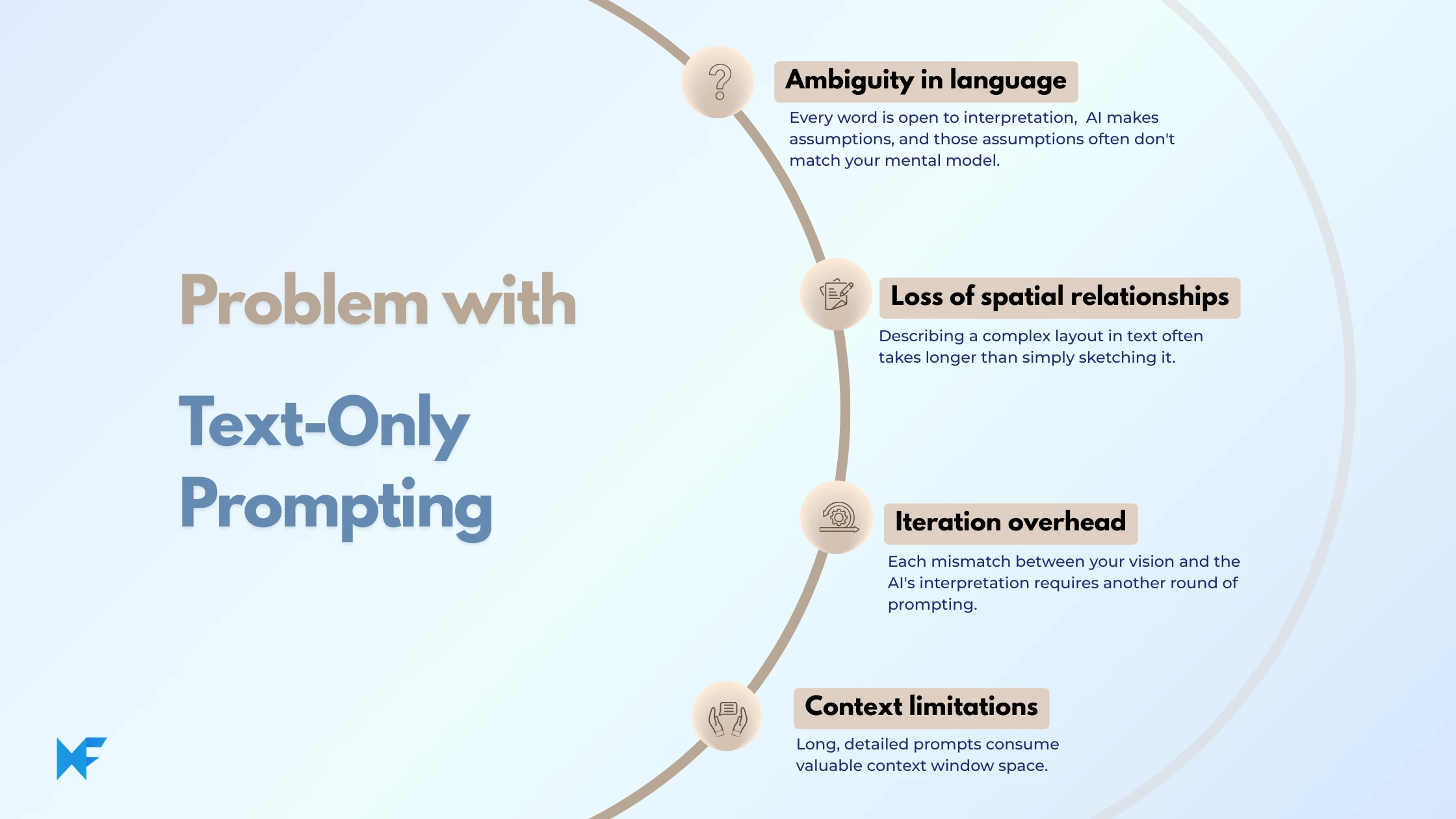
Ambiguity in language. When you write "create a clean, modern dashboard with key metrics at the top," every word is open to interpretation. What does "clean" mean? Which metrics? How should they be arranged? The AI makes assumptions, and those assumptions often don't match your mental model.
Loss of spatial relationships. User interfaces are inherently spatial. Elements have positions, hierarchies, and relationships that are difficult to express in prose. Describing a complex layout in text often takes longer than simply sketching it - and the result is less precise.
Iteration overhead. Each mismatch between your vision and the AI's interpretation requires another round of prompting. You end up spending more time describing corrections than you would have spent designing in the first place.
Context limitations. Long, detailed prompts consume valuable context window space that could be used for more meaningful information about your codebase, design system, or business logic.
Visual Prompting: A Better Way
Visual prompting flips the traditional workflow. Instead of describing your interface in paragraphs, you sketch it - and that sketch becomes the prompt. The AI receives layout structure, component relationships, visual hierarchy, and spatial information directly, eliminating the ambiguity that plagues text-based approaches.
This approach aligns with how humans naturally think about interfaces. Product managers sketch ideas on whiteboards. Designers create mockups before writing specifications. Even developers often draw rough layouts before starting implementation. Visual prompting simply makes these artifacts machine-readable.
The benefits are substantial. You spend less time writing descriptions and more time building. The AI produces more accurate output on the first attempt. Non-technical team members can participate directly in the development process. And the feedback loop between ideation and implementation shrinks dramatically.
How MockFlow Enables Visual Prompting for Vibe Coding
MockFlow has introduced a feature specifically designed to bridge visual design and AI code generation: Export to AI Prompt. This capability transforms any wireframe into a structured, optimized prompt that can be directly used in agentic coding tools like Claude Code, Cursor, Lovable, Bolt, and Replit.
How It Works
The workflow is remarkably simple. You create a wireframe in MockFlow using its rapid wireframing tools - dragging components, arranging layouts, and defining the structure of your interface. When you're ready, you select any part of your design (a section, frame, or specific content block) and click "Export to AI Prompt."
MockFlow generates a comprehensive prompt that includes all the necessary design context: layout structure, visual hierarchy, component relationships, and branding details. You copy this prompt and paste it directly into your preferred AI coding platform. The AI receives precise, unambiguous instructions about what needs to be built.
What Makes This Approach Different
The generated prompt isn't just a description of your wireframe. MockFlow enriches it with structured data that AI tools can interpret accurately. This includes semantic information about component types (navigation bars, cards, forms, buttons), spatial relationships between elements, and design system details that help maintain consistency.
Because the prompt is derived from an actual visual artifact, there's no ambiguity about which part of the design is being referenced. The AI knows exactly what you mean by "the header section" or "the pricing cards" - because that information is encoded in the prompt itself.
Ideal for Rapid Iteration
The visual-first workflow is particularly powerful for teams practicing vibe coding as a primary development methodology. You no longer need to write lengthy text instructions and hope the AI interprets them correctly. Instead, you draw your idea directly, let MockFlow generate the visual AI prompt, and watch as AI coding tools produce pixel-accurate implementations.
This eliminates the gap between conception and execution. When you want to experiment with a new layout, you sketch it in minutes and export it as a prompt. If the result isn't quite right, you modify the wireframe and try again. The iteration cycle drops from hours to minutes.
The MCP Approach: Why Setup Complexity Is Killing Productivity
The Model Context Protocol (MCP) has emerged as a standard for connecting design tools to AI coding environments. Applications like Figma offer MCP servers that allow AI agents to access design data directly from within development tools like VS Code, Cursor, and Claude Code.
In theory, this sounds powerful. The AI can pull layout information, component properties, design tokens, and visual hierarchy directly from your Figma files while generating code. In practice, the setup process creates significant friction.
The Configuration Challenge
Using Figma's MCP server requires multiple steps. You need to install the Figma desktop app (or configure the remote server), enable Dev Mode, toggle on the MCP server, and then configure your code editor to connect to the local or remote endpoint. For VS Code, this means editing mcp.json configuration files. For Cursor, you navigate through Settings > MCP tabs and add server configurations. For Claude Code, you run terminal commands to register the MCP connection.
Each editor has its own setup process. Each process requires authentication with your Figma account. And if the connection drops - which happens when Figma restarts, your machine sleeps, or network conditions change - you need to troubleshoot the configuration again.
Rate Limits and Access Restrictions
Figma's MCP server also introduces rate limits. Users on the Starter plan or with View or Collab seats are limited to just 6 tool calls per month. Even users with Dev or Full seats on paid plans face per-minute rate limits. For teams iterating rapidly on designs, these limits can become a genuine bottleneck.
The Developer-Centric Problem
Perhaps most significantly, the MCP workflow is inherently developer-centric. Setting up the server, configuring the IDE, managing authentication - these are all tasks that require technical knowledge. Designers and product managers who want to convert their own wireframes into code prototypes are excluded from the process unless they have a developer set things up for them.
The irony is that vibe coding promised to democratize software development. MCP-based workflows, despite their technical sophistication, actually reinforce the traditional divide between "people who can code" and "people who can't."
MockFlow's Approach: Zero Setup, Zero Friction
MockFlow's Export to AI Prompt takes a fundamentally different approach. There's no server to configure, no desktop app requirement, no authentication flow between multiple systems, and no rate limits to worry about. The workflow is pure copy-paste.
How It Compares
Factor | MCP-Based Workflow (Figma) | MockFlow Export to AI Prompt |
Setup Required | Desktop app, MCP server, IDE configuration | None |
Technical Knowledge | Required for configuration | Not required |
Authentication | OAuth flow between systems | Not required |
Rate Limits | Yes (6 calls/month for basic plans) | No |
Works With | Specific MCP-compatible IDEs | Any AI coding tool |
Who Can Use It | Developers (primarily) | Anyone |
Time to First Use | 15-30 minutes | Immediate |
Why This Matters for Teams
The simplicity of MockFlow's approach has real implications for how teams work. Product managers can sketch a feature concept and generate a working prototype without waiting for developer availability. Designers can validate how their mockups will translate to real applications. Developers can focus on architecture and business logic rather than fighting with configuration files.
This isn't just about convenience - it's about velocity. In vibe coding workflows, the speed of iteration is directly proportional to productivity. Every minute spent on setup or troubleshooting is a minute not spent building.
No Ambiguity About Selection
One subtle but important advantage of the copy-paste workflow is clarity about scope. When using MCP-based tools, the AI agent can only see what's currently selected in your design file. If you forget to select the right frame, the AI works with incorrect context. If you select too much, you waste context window space on irrelevant elements.
With MockFlow, you explicitly choose what to export. The prompt you receive represents exactly the content you selected - no more, no less. This explicitness eliminates an entire category of errors that plague MCP-based workflows.
Best Practices for Visual Prompting
Whether you're using MockFlow or another visual tool, these principles will help you get better results from AI code generation.
Start with clear wireframes. The more precise your visual input, the more accurate your generated code. Use actual UI components rather than abstract shapes. Define clear boundaries between sections. Establish a consistent grid or spacing system.
Include design context. If you have established brand guidelines, color palettes, or typography standards, make sure they're represented in your wireframe. MockFlow automatically includes branding details in generated prompts, but you can also add custom context as needed.
Work at the right level of detail. For initial prototypes, broad strokes are fine—you want to establish layout and flow before worrying about pixel-perfect spacing. For production code, more detailed wireframes yield better results.
Iterate visually, not textually. When the AI's output doesn't match your vision, resist the urge to write correction prompts. Instead, modify your wireframe and export a new prompt. This keeps your primary source of truth visual rather than fragmenting it across multiple text descriptions.
Choose the right AI tool. Different platforms have different strengths. Claude Code supports larger context windows and delivers more consistent UI generation. Cursor excels at integrating generated code with existing projects. Lovable and Bolt are optimized for rapid prototyping. Match the tool to your use case.
The Future of Design-to-Code
The convergence of visual design tools and AI code generation is still in its early stages. MCP-based workflows represent one approach - tight integration between design systems and development environments. Visual prompting via export represents another - simplicity and accessibility over technical sophistication.
Both approaches will likely coexist, serving different use cases and user types. According to Bubble's 2025 State of Visual Development report, visual development platforms integrating AI capabilities will dominate production application development, while prompt-only vibe coding tools will remain valuable for prototyping but struggle when builders need to debug, customize, and maintain applications over time. For enterprise teams with established Figma workflows and dedicated DevOps resources, MCP integration offers deep functionality. For smaller teams, indie developers, and non-technical builders, zero-configuration solutions like MockFlow's Export to AI Prompt remove barriers to entry.
What's clear is that the text-only prompting era is ending. The next generation of vibe coding tools will be visual-first, treating designs as the primary interface between human intention and machine execution. The question isn't whether visual prompting will become standard - it's how quickly the industry will adopt it.
Getting Started with Visual Prompting
If you're ready to try visual prompting for your vibe coding workflow, MockFlow offers Export to AI Prompt on paid plans (WireframePro and Bundle). The feature works with any wireframe you create - from quick sketches to detailed mockups - and the generated prompts are optimized for popular AI coding platforms.
For teams already invested in Figma, the MCP approach remains an option, though you'll need to factor in setup time and ongoing maintenance. Consider starting with visual prompting for rapid prototyping and reserving MCP integration for production-grade handoffs where design system consistency is critical.
The most important step is simply to start. Pick a small project, sketch a wireframe, export it as a prompt, and see what happens. You might be surprised how quickly a visual idea becomes a working application.
Visual prompting represents the next evolution of vibe coding - one where sketches become software and ideas become implementations without the friction of lengthy text descriptions.
Whether you're a developer looking to accelerate your workflow or a non-technical builder with an app idea, the tools are ready. The only question is what you'll build.
